Internet guides
Why Is My Internet So Slow Even With Full WiFi Bars?
A strong wireless signal does not always mean a strong internet connection.
You sit down to watch a show, open your laptop, or join a video call and notice that everything takes longer than it should. Your phone shows full WiFi bars, yet pages barely load. It is a frustrating experience because the device seems to be telling you that nothing is wrong. In reality, those bars describe only one part of the connection.
Understanding the difference between WiFi and internet service can help you identify where the problem starts. It may also prevent you from spending money on a new router or a more expensive plan when neither would address the underlying issue.
What Your WiFi Bars Actually Tell You
The wireless symbol on your phone generally represents the strength of the signal between your device and the access point. It does not measure how quickly the router can retrieve information from the internet. You could stand directly beside a router that has lost its internet connection and still see a strong WiFi signal.
Think of your home network as two separate connections. The first carries information between your devices and your router. The second connects that router to your internet provider. A problem with either connection can affect what you experience on the screen.
Start by Finding Out Which Devices Are Affected
If one laptop struggles while a television and phone work normally, the problem may be limited to that laptop. Background downloads, outdated software, a VPN, or a particular website could be involved. Restart the affected application and compare its performance with another device in the same room.
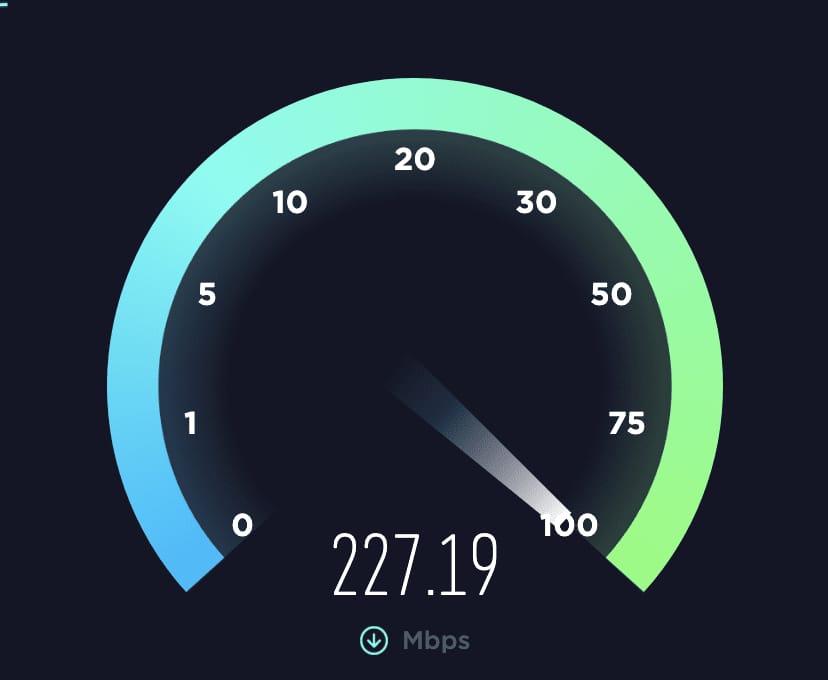
If every device slows down together, turn your attention toward the router and internet service. Run a speed test when nobody is downloading large files or streaming. If possible, connect a computer directly to the router with an Ethernet cable and repeat the test. A wired test helps remove local wireless interference from the comparison, although it cannot rule out every equipment problem.
Notice When the Connection Slows Down
A connection that performs well in the morning but struggles after dinner may be experiencing congestion. More people could be using the provider's network, or several members of your household could be sharing the available bandwidth at once. The distinction matters because each situation calls for a different solution.
Try testing at different times for several days. Record download speed, upload speed, and latency rather than relying only on how quickly one website loads. If the slowdown coincides with a console downloading a game update or a computer uploading files, scheduling those activities for quieter hours may help.
Your Router Can Still Be Part of the Problem
Full bars do not eliminate wireless interference. Nearby networks and competing devices can reduce the usable capacity of a wireless channel even when the signal itself is strong. An older router may also struggle to serve a household with several devices active at once.
Before replacing equipment, check for manufacturer-supported firmware updates and make sure the router has adequate ventilation. Try a different supported WiFi band if your device and router allow it. A 5 GHz connection may perform better at short distances, while 2.4 GHz often reaches farther through a home. Neither is automatically better in every room.
When the Internet Service Itself Is the Limitation
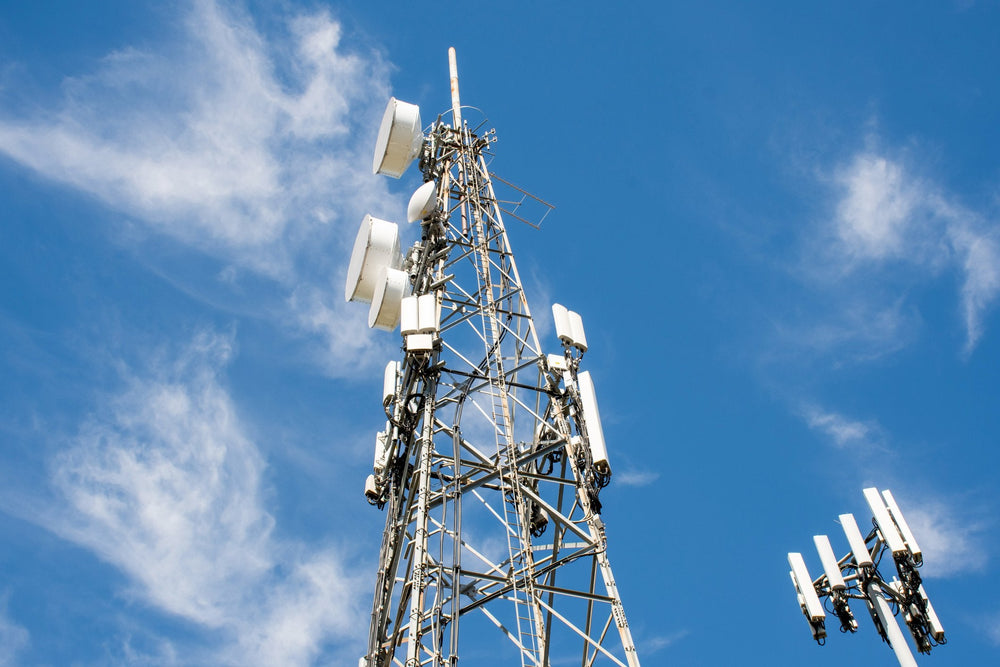
Some households have older DSL service or limited infrastructure at their address. Even a capable new router cannot create bandwidth that the provider does not supply. Cellular home internet has its own considerations, including outdoor coverage, indoor signal quality, and network congestion. A strong connection to the router does not necessarily mean that the router has a strong connection to the cellular tower.
If wired tests consistently show poor performance, contact your provider with the results. Ask whether the speeds are expected for your plan, whether a line or network issue is present, and what alternatives are available at your address.
Make the Next Step Based on the Problem
At GetUnlimitedWiFi, we believe understanding your connection is the first step toward improving it. Explore our guides to cellular home internet and household bandwidth before deciding whether a different plan or replacement equipment makes sense. Better internet starts with knowing which part of your current connection is holding you back.
References
Federal Communications Commission. Broadband Consumer Labels. https://www.fcc.gov/broadbandlabels